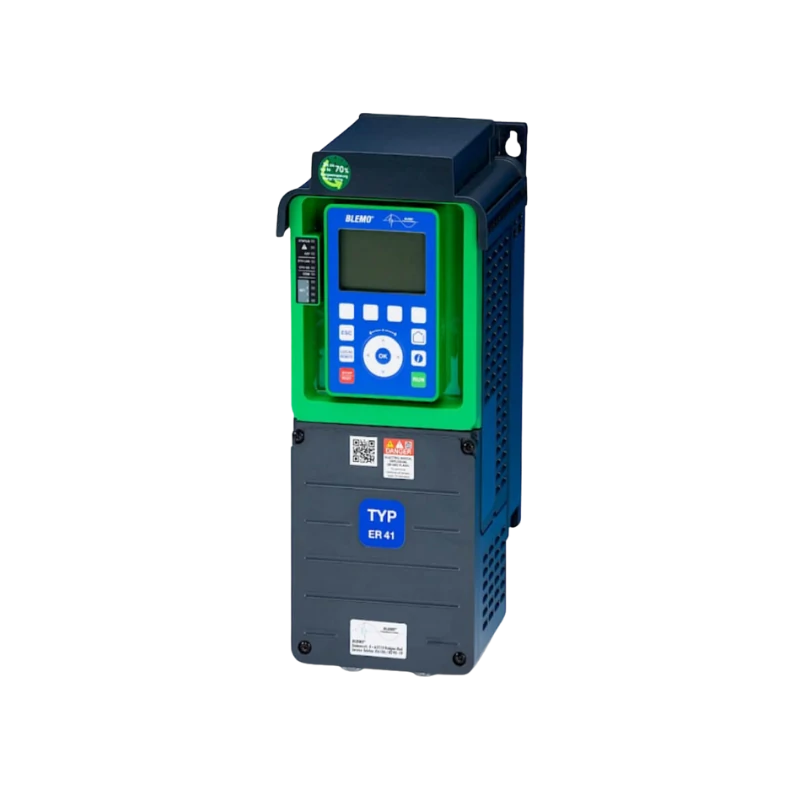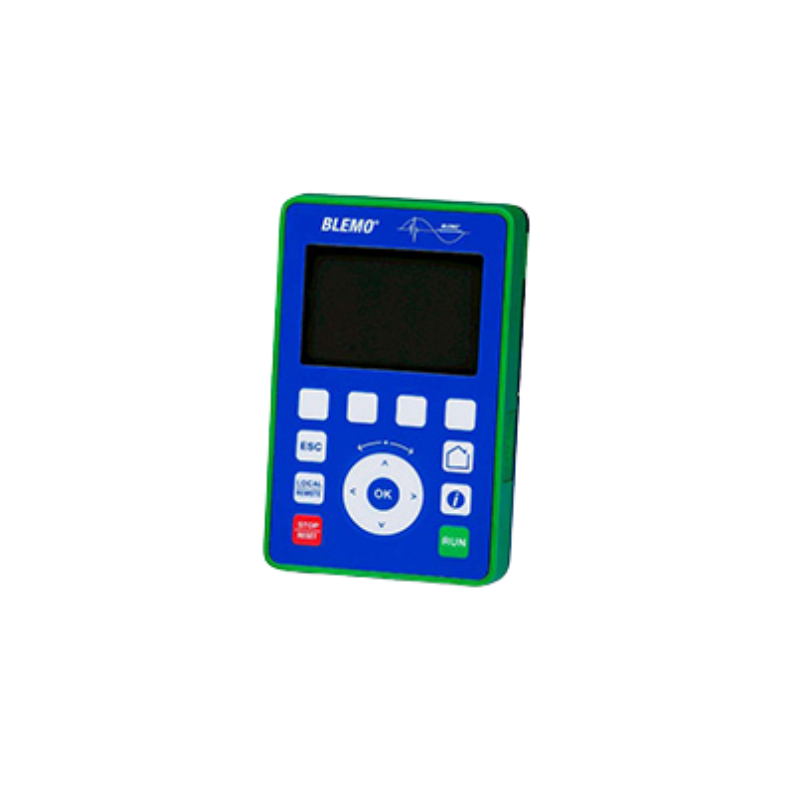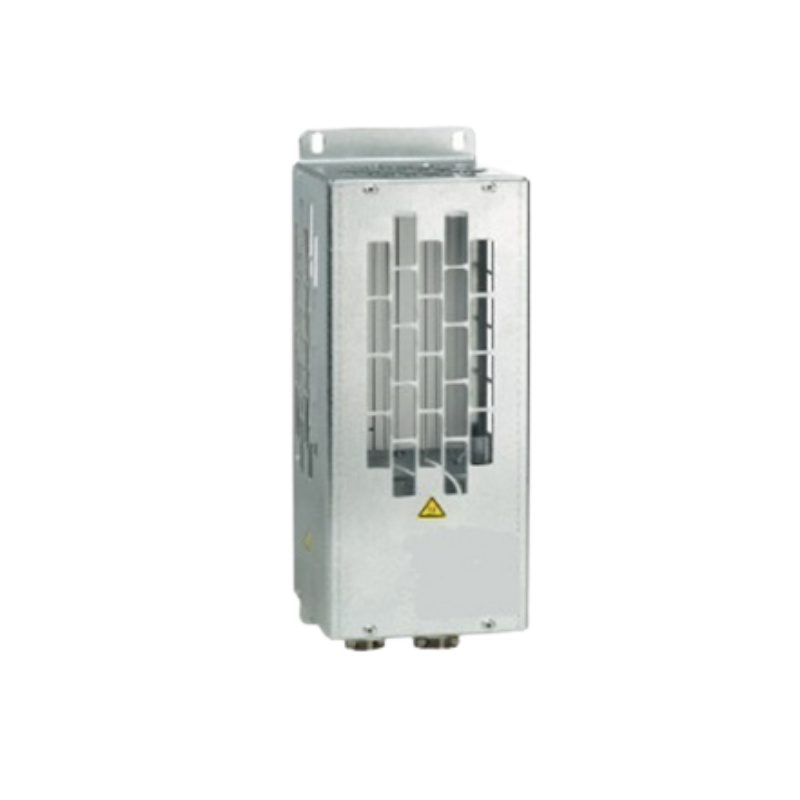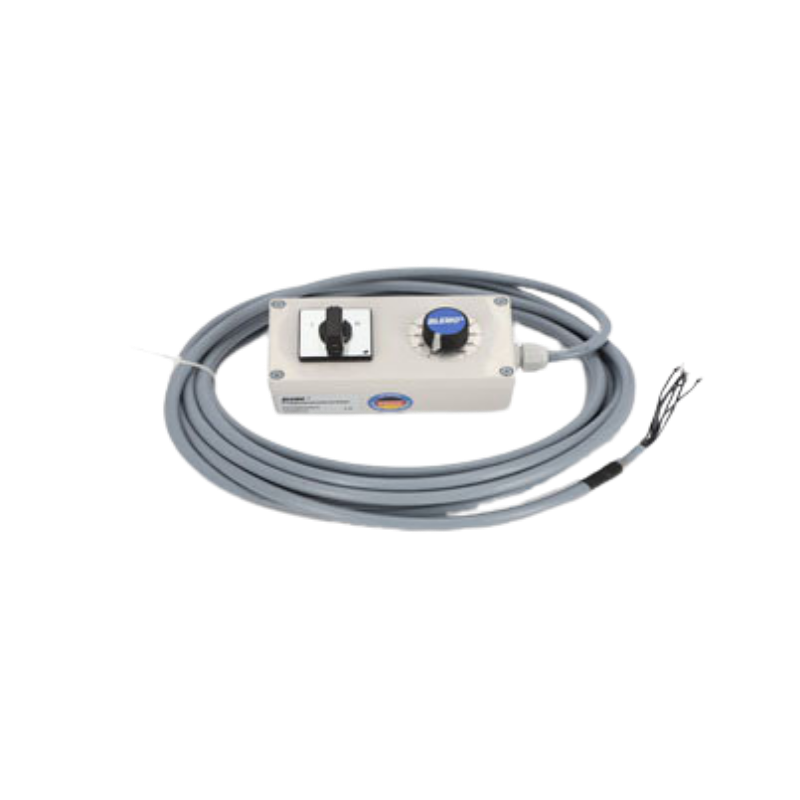

With the new ER41 series from BLEMO, you get a frequency converter for all applications in mechanical and plant engineering.
Frequency converters for speed control of DS asynchronous motors and synchronous motors, 0.75 to 2600 kW, 380 to 690 V, 3~Protection class IP21 to IP55.
Put together your desired configuration and request a quote directly. If you require higher performance, low-harmonics functions, or 690 V, simply contact us by email.



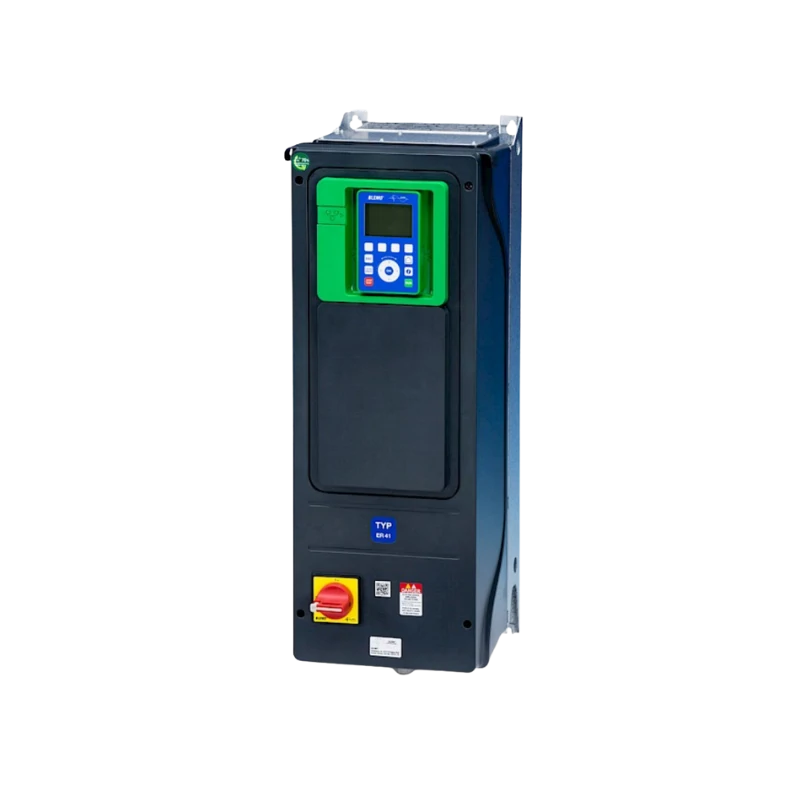
The ER41 is available as a control cabinet version ER41 K with protection class IP21 or IP23, and as a protected version ER41 G with protection class IP54 or IP55. Depending on requirements, we supply the devices as V1 without load break switch or as V2 with integrated load break switch.
All devices are delivered ex works with painted circuit boards. From 90 kW upwards, tinned copper rails for aggressive air are also included; these are optional for lower power ratings. This allows the ER41 to be designed to suit the environment and remain reliable even in continuous operation.
AUSGEZEICHNET Basierend auf 13 Bewertungen
 Gepostet auf Google
 Sebastian Giera
Trustindex überprüft, ob die Originalquelle der Bewertung Google ist.
Hallo , ich arbeite seit über 20 Jahre als Industrie Elektroniker in einem Unternehmen und alle Projekte die ich umgesetzt oder umgebaut habe sind mit BLEMO FU‘s wie auch Soft Starter, sehr gute Support, Beratung ich bin sehr zufrieden und hoffe das es so bleibt. Mit freundlichen GrüßenGepostet auf Google SebastianIch habe kürzlich den Blemo Frequenzumrichter ausprobiert und war wirklich beeindruckt von seiner Leistung. Dieses Produkt hat meine Erwartungen in vielerlei Hinsicht übertroffen. Zunächst einmal war die Installation des Frequenzumrichters überraschend einfach und unkompliziert. Dank der klaren Anweisungen und der benutzerfreundlichen Oberfläche konnte ich das Gerät problemlos in mein System integrieren. Die Leistung des Blemo Frequenzumrichters ist ebenfalls bemerkenswert. Er liefert eine stabile und zuverlässige Leistung, was zu einer effizienten und reibungslosen Betriebsweise meiner Maschinen geführt hat. Ich habe festgestellt, dass er eine präzise Steuerung der Geschwindigkeit ermöglicht und dabei Energie spart, was sowohl meine Betriebskosten senkt als auch die Umweltbelastung verringert. Darüber hinaus hat mich die Robustheit und Langlebigkeit des Produkts beeindruckt. Der Blemo Frequenzumrichter ist gut gebaut und zeigt keine Anzeichen von Verschleiß oder Überhitzung, selbst nach langen Betriebszeiten. Insgesamt bin ich äußerst zufrieden mit dem Blemo Frequenzumrichter und kann ihn jedem empfehlen, der nach einem zuverlässigen und leistungsstarken Frequenzumrichter sucht. Es ist ein ausgezeichnetes Produkt, das seinen Preis wert ist und meine Erwartungen in jeder Hinsicht erfüllt hat.Gepostet auf Google
 Robin BotzungIch bin sehr zufrieden mit dem Support,bei Fragen bekommt man direkt eine antwort,und die Qualität des Produktes ist hervorragend.Gepostet auf Google
 angiTop! Alles 10/10 vorallem die Beratung.Gepostet auf Google
 Conor McgettiganIch war anfangs eher skeptisch veranlagt im bezug der produkte die hier angeboten werden da ich bereits mehrmals schlechte erfahrungen machen musste die solche Produkte betrifft jedoch kam hier schnell heraus das sich der Kauf der Produkte sehr gelohnt hat meines erachtens nach waren die Produkte sehr hochwertig und dienen seit dem Tag der Lieferung seinem zweck daher kann ich micht nicht beschweren.Gepostet auf Google
 Thomas LennartzSuper Produkt der Motor läuft so sanft damit an oder ändert die Drehzahl das man es kaum merkt. DankeGepostet auf Google
 Conrad CSuper Hilfe im Bezug auf alle meine Fragen rund ums Thema Frequenzumrichter. Sowohl die Beratung als auch die Erklärung liefen äußerst kompetent ab. Vielen Dank!Gepostet auf Google
 Mario GHöchste Produktqualität, sie reagieren schnell und professionell auf Anfragen. Sie stehen jederzeit für notwendige Hilfe zur Verfügung.Gepostet auf Google
 Alexander WeihererTolles Unternehmen. Super Kompetente Ansprechpartner die immer die richtige Lösung parat haben. Sowohl bei der Auswahl eines geeigneten Frequenzumrichters als auch bei der Inbetriebnahme wird man hier super unterstützt. Vielen Dank an Blemo und vor allem Herrn Thomasch für den hervorragenden Support.
The ER41 is a new product series from BLEMO® that can be used for all applications in mechanical and plant engineering. Below you can configure the ER41 according to your ideas and request a quote directly from us.
If you are interested in higher power ratings, low harmonics, or 690V, please send us your request by email to info@blemo.com.
A BLEMO frequency converter can be controlled using a Siemens PLC via Profinet or Profibus-DP.
This requires an additional communication card, which you will find in the frequency converter catalog.
Please note that not all frequency converters support this bus communication.
Connection to Profibus-DP or Profinet is possible with the ER24 and ER41.
Minimum settings for bus operation (direct control of the QW addresses of the ER24 / ER41):
– First, set up the slave ER24 / ER41 xyz in the TIA Portal. Please install the GSD or GSDxml device file beforehand.
– Then select a telegram type in the HW configuration of the ER24 / ER41 and move it to the I/O field.
In this example, we are using telegram 102, which consists of 6 PZDs.
PZD stands for “process cyclic data.” PZDs are data that are to be exchanged cyclically.
This includes status words, target speeds, etc. (see image “EA assignment of PZDs”).
The following four channels are already preset and do not need to be changed. The result during operation can be seen in the “Observation table” image
– The first reserved QW of the PZD address must be used to send the control word (according to Drivecom standard: 16#0006, Stop 16#0007, Motor run 16#000F)
– The second double word sends the target speed (rpm).
– The first IW is read out to read the status word of the ER24 / ER41s frequency converter.
– The second double word is read out to read the current ACTUAL speed (rpm).
– The words should then be declared as variables (see image “Variable declaration”).
– In the frequency converter, the setpoint source fieldbus must be set (see image “Settings ER24 / ER41 setpoint source bus”).
– The addressing of the ER24 / ER41 in the bus must also be set. This naturally differs depending on the bus type.
For Profibus-DP, the address is set to 1-126 (see image “Settings Profibus Addressing ER24 / ER41”),
for Profinet, an address is assigned via PLC: DCP or an address setting in the ER24 / ER41 menu: fixed IP (see image “Settings Profinet Addressing ER24 / ER41“).
+10V on AI1 and ground on COM.
In principle, it is possible to operate a low-power motor with a higher-power frequency converter.
This depends on the ratio between the motor and converter power.
Experience shows that the ratio should not exceed 1:4.
For example, it is not recommended to operate a 0.75 kW motor with a 30 kW BLEMO frequency converter.
This combination can be used for testing purposes, but the motor phase monitoring must be deactivated.
German



Your personal contact person